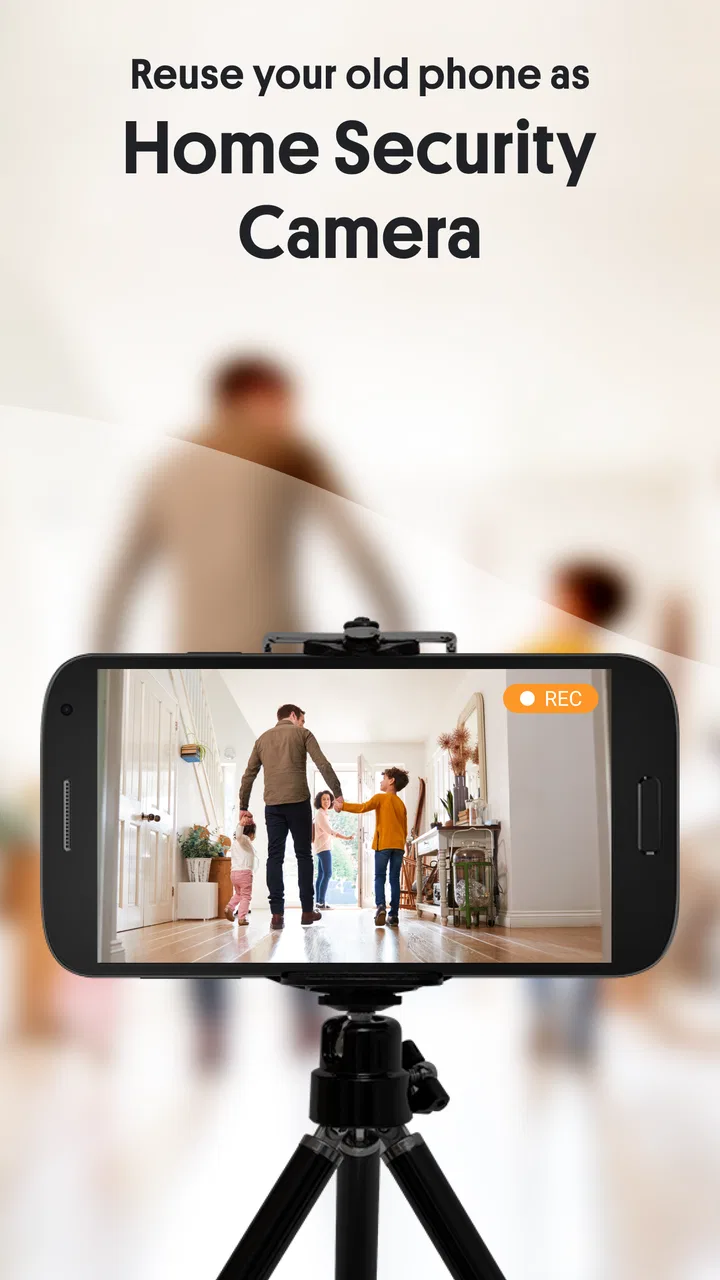
AlfredCamera Home Security app
- 4.7
- Rating
- 50.00M
- Installs
- Free
- Price

 Analysis by App-foxy
I have always liked the idea of giving an old phone a second life, but turning that idea into something dependable is harder than simply opening a camera app. AlfredCamera Home Security is designed around that exact problem: one phone becomes the camera, while another device lets me check what is happening. After using it as a practical home-monitoring tool, I found it most useful when I needed a quick view of a room, a pet, a sleeping child, or an entryway without buying a dedicated camera immediately.
Developed by Alfred Systems Inc., this free House & Home app has grown into a very familiar choice for people who want a phone-based security camera. Its average rating is 4.7 from around 924 thousand ratings, and it has passed 50 million installs. Those figures make sense to me because the basic idea is easy to understand: reuse hardware I already own instead of starting with a separate camera, hub, and account ecosystem.
The important distinction is that I do not see it as a complete replacement for a purpose-built security system in every situation. I see it as a flexible bridge between no monitoring and a dedicated setup. The experience depends heavily on the phones, network, charging arrangements, and room layout I bring to it. When those pieces are prepared properly, the app is convenient. When they are not, the weaknesses become obvious quickly.
You May Also Like

 AccuWeather: Weather Radar
AccuWeather Review: A Quick, Clear Forecast for Everyday Decisions
For everyday plans, the best forecast is the one you can understand quickly. AccuWeather makes rain timing, radar, and local conditions easy to act on, with a few trade-offs.

 Hill Climb Racing
Why Hill Climb Racing Still Turns Crashes Into One More Run
A tiny car, a bumpy hill and one more upgrade: Hill Climb Racing keeps resurfacing because its simple chaos makes every near-miss feel personal.

 AliExpress - Shopping App
AliExpress Makes Global Shopping Feel Personal, but Shoppers Bear the Risk
AliExpress turns a global marketplace into a pocket-sized discovery engine. Its reach is useful, its shopping loop compelling, and its trade-offs easy to miss.

 Lords Mobile: Kingdom Wars
Lords Mobile Is a Kingdom-Building Routine, Not a Quick Match
A case-by-case verdict on the building, battles, device demands, and social commitments that make Lords Mobile rewarding for some players and exhausting for others.

 PDF Scanner app - TapScanner
TapScanner Makes Paperwork Easier to Capture, Check, and Share
TapScanner makes scanning with a phone feel less like a rescue operation and more like a dependable step in getting work done. Its capture tools are useful, though not flawless.

 Block Blast!
Block Blast! Shows How Much a Puzzle Game Can Leave Out
A quiet grid game shows why puzzle players increasingly value instant clarity, repeatable skill and low-pressure play—and where the genre still needs to catch up.
More From Our News Desk
View All News


From an unused phone to a useful view
I found the most useful first step was to choose one clear job for the spare phone, rather than expecting it to watch the whole home. That makes placement and testing easier, and it helps me tell whether this setup is enough or whether fixed camera hardware would suit the task better. From there, I look at how quickly the camera and viewer become useful in everyday use.
Starting with the right situation
The strongest starting point is an old Android phone that still has a working camera, can remain connected to power, and can stay in one place. That phone becomes the camera unit. A second phone can act as the viewer, which is useful because it lets me keep my everyday device separate from the phone that is watching the room. This arrangement is especially practical for a temporary need, such as checking on a pet during the day or keeping an eye on a doorway while I am elsewhere in the home.
I would not begin by placing the camera phone wherever it is most convenient for me. I first look for a stable position with a broad view and a nearby power source. A shelf can work better than a low table because it reduces the chance of the phone being knocked over. At the same time, a high position is not automatically best: a narrow angle may leave the important part of the room outside the frame. The goal is a clear, useful view rather than simply a high viewpoint.
The phone also needs to be treated as a dedicated device during the monitoring period. Notifications, calls, battery-saving behavior, and accidental movement can all interfere with the experience. I found that a little preparation matters more than people expect. Cleaning the lens, removing a bulky case, checking the charging cable, and confirming that the phone can remain in the chosen position are small steps, but they prevent many avoidable frustrations.
Setting up the camera and viewer
The basic workflow is straightforward. I install AlfredCamera on the phones I want to use, decide which device will watch and which will display the feed, then pair them through the app’s setup process. The camera phone stays in the room, while the viewer phone becomes the device I carry around. This separation is one of the app’s best ideas because I do not have to sacrifice my main phone every time I want to check a room.
I recommend completing the first setup while both devices are close by. That makes it easier to notice whether the camera view appears correctly and whether the viewer is connected before I leave the room. It also gives me a chance to test the exact placement rather than assuming the camera will be useful and discovering later that a chair, curtain, or bright window blocks the important area.
For a baby-monitoring use case, I would position the phone so the sleeping area is visible without making the device part of the child’s reach. For a pet, I would aim at the place where the animal normally rests rather than the center of an empty room. For an entryway, I would favor a view that captures movement toward the door instead of pointing directly at a bright exterior. These choices are more important than the app’s label because the quality of the result begins with the physical setup.
Making the everyday handoff work
The handoff between camera and viewer is where AlfredCamera becomes more than a repurposed camera application. I can leave the old phone in place and take the other device with me. That makes the workflow natural: the camera remains part of the room, and the viewer becomes my window into it. If another person needs to check the same space, the usefulness depends on how the account and device arrangement are managed, so I would establish that before relying on the setup for shared household duties.
In my experience, it helps to decide who is responsible for the camera phone. If it is used in a shared home, someone should check that it is still charging and has not been moved. A monitoring app cannot compensate for a cable that has come loose or a device that has been placed face down. Assigning that simple responsibility prevents the common situation where everyone assumes someone else has checked it.
Privacy also belongs in this handoff. I would tell everyone in the household where the camera is and what area it covers. I would avoid pointing it at private spaces unless there is a clear reason and agreement from the people affected. The fact that an old phone is being reused can make the setup feel casual, but the camera still observes a real environment. Treating it with the same care as any other home-monitoring device is the sensible approach.
A realistic day with the app
Imagine leaving a dog at home for a few hours. I place an unused phone on a stable shelf facing the room where the dog usually settles, connect it to power, and use my everyday phone as the viewer. Before leaving, I check the live view, confirm that the dog’s bed is visible, and make sure the camera has not been tilted by a curious nose or a passing person.
While away, I can check the room when I start wondering whether the dog is resting or pacing. That is the practical value: I get information before deciding whether I need to return home, ask someone to visit, or simply continue my day. If I see the dog moving around, the image gives me context that a message from a neighbor might not. If the room is empty, I know the animal is probably elsewhere or out of view, which is still useful but not the same as complete coverage.
When I return, I would not leave the camera running indefinitely without a reason. I can reposition it, stop using the setup, or reserve it for the times when monitoring is actually needed. This temporary mindset is one of the app’s advantages over a permanent camera installation. It is easy to experiment with different rooms and purposes without committing the home to a fixed system.
What the result feels like in practice
The result is best described as accessible remote awareness. I can turn an old phone into a camera for a room and use another device to look in. That is enough for many everyday situations, particularly when the alternative is having no view at all. The app’s free entry point also lowers the barrier for someone who wants to test the idea before spending money on dedicated hardware.
Alfred Systems Inc. has kept the product relevant through continued updates, and the current version is 2025.26.0. It supports Android devices starting with version 5.0, which is helpful when the phone being reused is older. Still, compatibility on paper does not guarantee a smooth experience on every aging device. A phone may technically run the app but struggle with heat, battery condition, camera quality, or general reliability after hours of use.
The app is rated for Everyone, which matches its broad household purpose. That rating should not be mistaken for a promise that every monitoring situation is suitable for every person. Adults still need to make sensible decisions about where a camera is placed, who can view it, and whether the chosen phone is reliable enough for the job.
Useful details that are easy to overlook
One of my first practical lessons is to test the setup for longer than a quick glance. A live picture appearing once does not prove that the arrangement will remain useful throughout the day. I would leave the camera in position, check it from the viewer after some time, and inspect whether the phone has shifted or become inconveniently warm. This trial exposes problems before the app becomes part of a real routine.
A second useful insight is to plan around the camera phone’s limitations instead of trying to force it into a role it cannot handle. An old phone with a narrow viewing angle may be perfectly adequate for a pet bed but poor for a large living room. A phone with a weak battery may work beside a reliable outlet but not as a portable camera. The app gives the device a new purpose, but it does not upgrade the camera, lens, battery, or physical placement.
A third trade-off concerns temporary monitoring versus permanent security. AlfredCamera is attractive when I need flexibility: a spare phone can be moved from a nursery to a hallway or used for a short trip. A dedicated camera is usually better when I need continuous operation, a compact installation, or a system designed around several fixed viewpoints. Choosing between them depends less on the app’s features than on whether the monitoring job changes frequently.
A fourth tip is to use the viewer as a decision-making tool rather than staring at it constantly. Checking at sensible intervals is less distracting and makes the app fit naturally into a day. For a pet, I might look when I receive a concern or when the animal’s routine changes. For a room, I would check after moving furniture or changing the camera position. The value comes from answering a specific question, not from watching an empty image without purpose.
Where the flow breaks down
The biggest weakness is dependence on the surrounding setup. The app may be free, but the camera phone still needs power, a reasonable position, and a dependable connection. If the old device has a tired battery or an unreliable charging port, it can become the weakest link. A dedicated camera is often more convenient when I want a small device that can stay installed without occupying an entire phone.
There is also a difference between seeing a room and securing a property. A phone-based camera can help me understand what is happening, but I would not treat it as the only layer of protection for a home that requires dependable security coverage. A fixed security system may be a better choice for someone who needs a permanent installation, several coordinated cameras, or equipment selected specifically for that purpose.
Older hardware can introduce its own friction. The camera phone may be slow to start, awkward to mount, or prone to heat when it remains active. The picture may also be less useful in a dim room than it would be with hardware built for indoor monitoring. These are not failures unique to the software; they are reasons to judge the complete setup honestly before depending on it.
Another consideration is cost over time. The app itself is free, while optional in-app purchases range from $1.99 to $59.88 per item. I would begin with the basic arrangement and only consider paid options if a specific need justifies them. That approach keeps the decision grounded in the actual workflow rather than paying before I know whether the reused phone is suitable.
Who should use it and who should choose something else
I recommend AlfredCamera to people with a spare phone who want a practical, low-commitment way to check a room. It is particularly appealing for renters, pet owners, caregivers who need occasional visual reassurance, and anyone testing whether home monitoring fits their routine. It also works well for temporary situations where buying and mounting a dedicated camera would feel excessive.
I would be more cautious about recommending it to someone who wants a set-and-forget security installation. If the camera must operate continuously, cover a wide area, survive an awkward placement, or form part of a larger security plan, dedicated hardware is likely the better match. I would also skip this approach if the only available phone has a failing battery, an unreliable camera, or no sensible place to remain connected to power.
Compared with a normal phone camera, AlfredCamera offers a more purposeful camera-and-viewer workflow for home use. Compared with a dedicated smart camera, it is cheaper to start and easier to repurpose, but usually less elegant as a permanent installation. That middle position is exactly why I find it useful: it solves a real short-term problem without pretending to be the best answer for every household.
My final recommendation
The best way to judge AlfredCamera is to judge the entire setup, not just the app. Start with a spare phone, choose one clearly defined monitoring task, place the device safely, test the view for an extended period, and decide whether the result answers the question you actually care about. If it does, the app can turn forgotten hardware into a surprisingly useful household tool.
I like it because it is practical, approachable, and flexible. Its 50 million-plus installs show how widely the idea has appealed, but my recommendation is more specific: use it when you need an adaptable extra pair of eyes and already have suitable phones. Do not choose it simply because it is free if your real requirement is permanent, professionally structured security.
For me, AlfredCamera succeeds as a bridge. It can cover the gap between having no camera and buying a dedicated one, especially for pets, babies, temporary room checks, and everyday reassurance. With realistic expectations about power, placement, hardware age, and privacy, it is a useful app that earns its place in the House & Home category without needing to replace every other option.
FAQs for AlfredCamera Home Security app
01What features does AlfredCamera offer for home security?
AlfredCamera provides a range of features designed to enhance home security. It includes live streaming, motion detection, and two-way communication. Users can also benefit from night vision and cloud storage options. The app transforms your old smartphones into security cameras, offering a cost-effective solution without the need for expensive equipment.
02Is AlfredCamera compatible with both Android and iOS devices?
Yes, AlfredCamera is compatible with both Android and iOS devices. It allows users to seamlessly integrate different devices, making it possible to monitor your home from multiple platforms. This cross-compatibility ensures that you can access your security feed from any smartphone or tablet you own.
03How does the motion detection feature work in AlfredCamera?
The motion detection feature in AlfredCamera is designed to alert users when movement is detected in the camera's field of view. You can customize the sensitivity settings to avoid false alarms from pets or shadows. When motion is detected, the app sends instant notifications, allowing you to respond promptly to any potential security threats.
04What are the subscription options for AlfredCamera, and are they necessary?
AlfredCamera offers both free and premium subscription options. The free version provides basic features like live streaming and motion detection, while the premium version includes additional benefits such as HD viewing, ad removal, and enhanced storage options. Subscriptions are not mandatory, but upgrading can enhance the app's functionality.
05How secure is AlfredCamera in terms of privacy and data protection?
AlfredCamera prioritizes user privacy and employs encryption to protect the data transmitted over the app. While the app offers cloud storage, users have the option to store recordings locally. It’s important to use strong passwords and enable two-factor authentication to further safeguard your security footage and personal information.
Pros
- Easy setup process for quick home monitoring.
- High-quality video streaming with minimal lag.
- 24/7 live streaming and motion detection alerts.
- Two-way audio for real-time communication.
- Supports multiple devices for comprehensive coverage.
Cons
- Requires stable internet connection for best performance.
- Free version includes ads that might be intrusive.
- Limited cloud storage unless you subscribe.
- Battery consumption can be high on older devices.
- No desktop app
- mobile-only access.

AlfredCamera Home Security app
Gallery